HTML
Hypertext mark-up language (HTML) HTML is the building block for web pages. You will learn to use HTML to author an HTML page to display in a web browser.
Objectives
- Use a text editor to author an HTML document.
- Be able to use basic tags to denote paragraphs, emphasis, or special type.
- Create hyperlinks to other documents.
- Create an email link.
- Add images to your document.
- Use to table for layout.
Try it
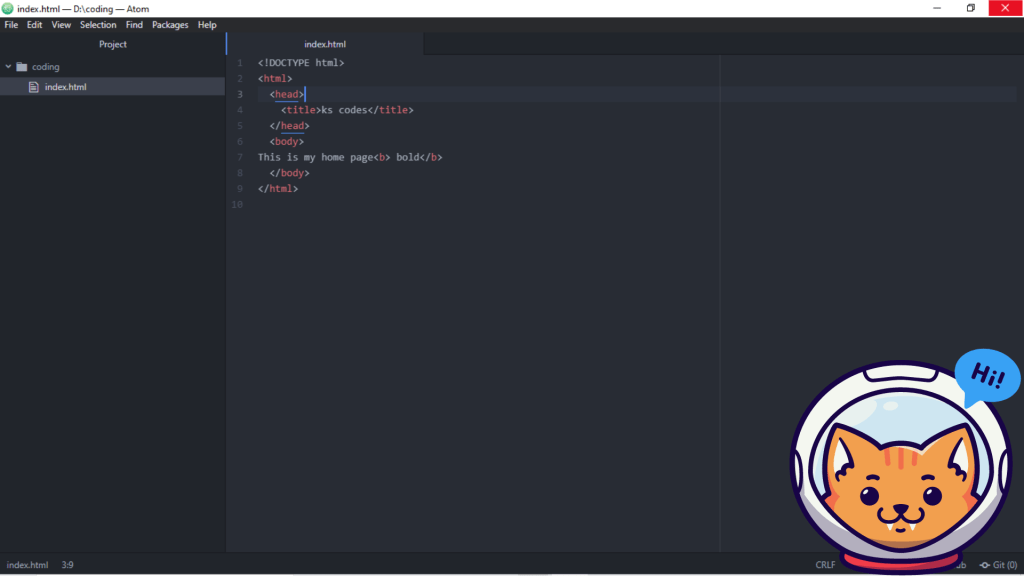
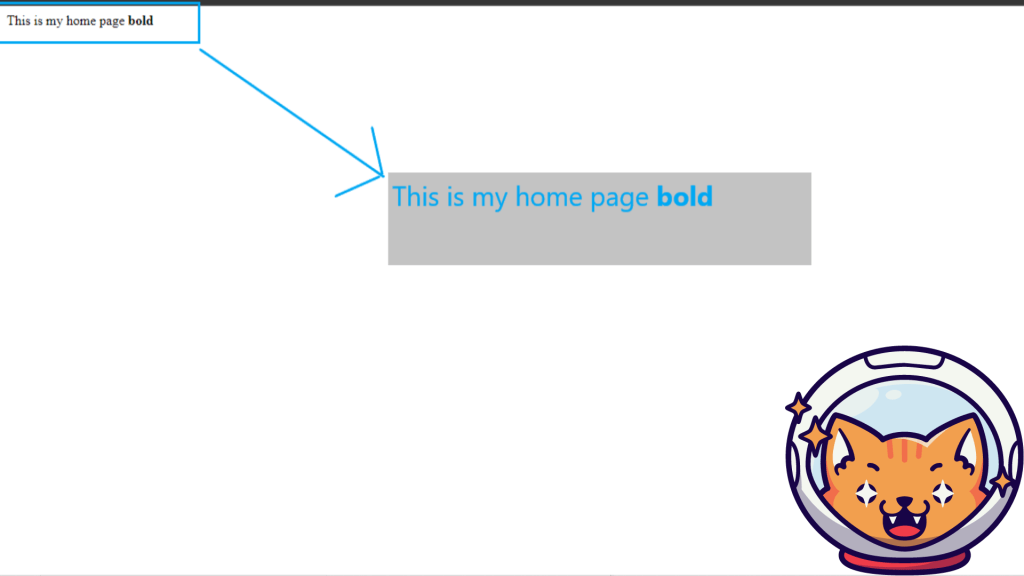
<html>
<head>
<title>ks codes</title>
</head>
<body>
This is my home page<b> bold</b>
</body>
</html>
Basic html tags
| <Html> | defines an html documents |
| <Body> | defines an document’s body |
| <H1> to <H6> | defines header 1 to header 6 |
| <P> | defines a paragraph |
| <Hr> | inserts a single line break |
| <!____> | defines a comment |
Headings
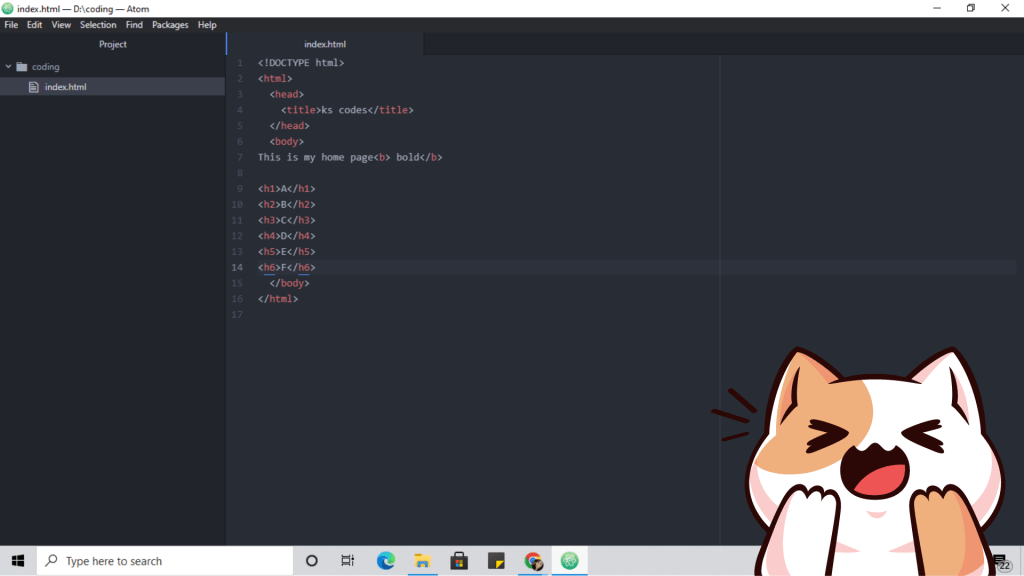
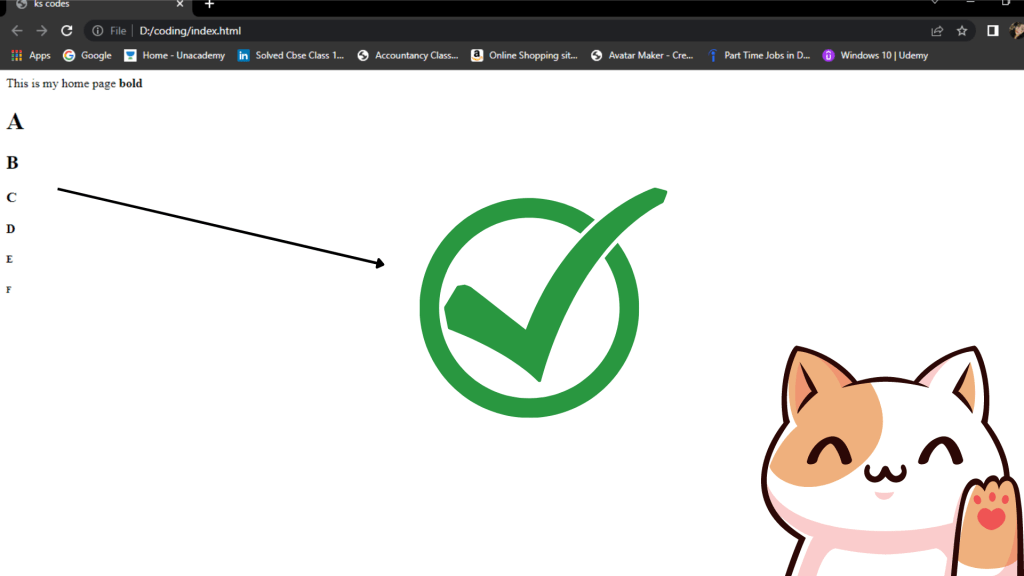
headings are defined with the <h1> to <h6> tags. <h1> defines the largest heading while <h6> defines the smallest.
<!DOCTYPE html>
<html>
<head>
<title>ks codes</title>
</head>
<body>
This is my home page<b> bold</b>
<h1>A</h1>
<h2>B</h2>
<h3>C</h3>
<h4>D</h4>
<h5>E</h5>
<h6>F</h6>
</body>
</html>
Paragraphs
paragraphs are defined with <p> tag. think of a paragraph as a block of text.
Line breaks
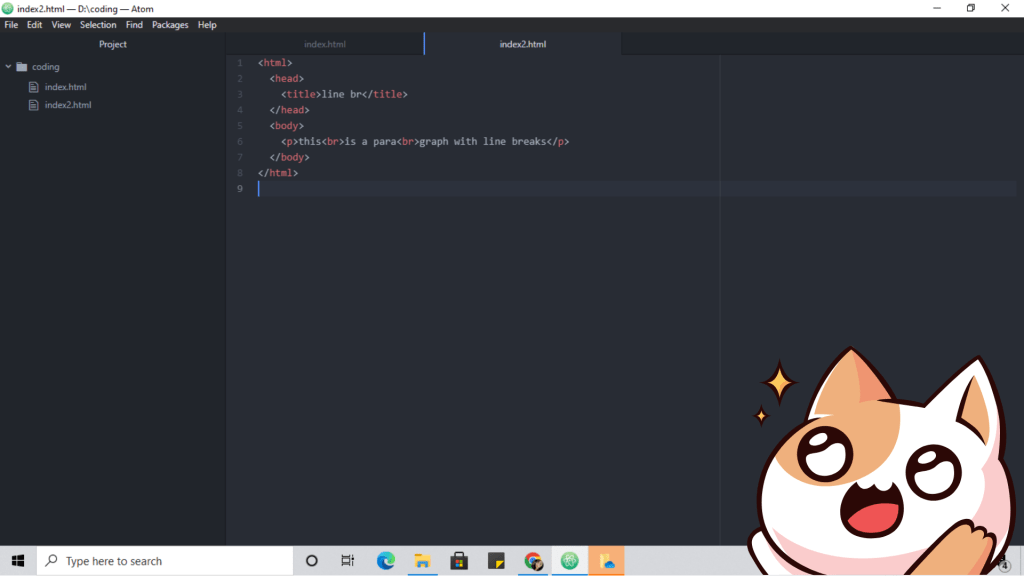
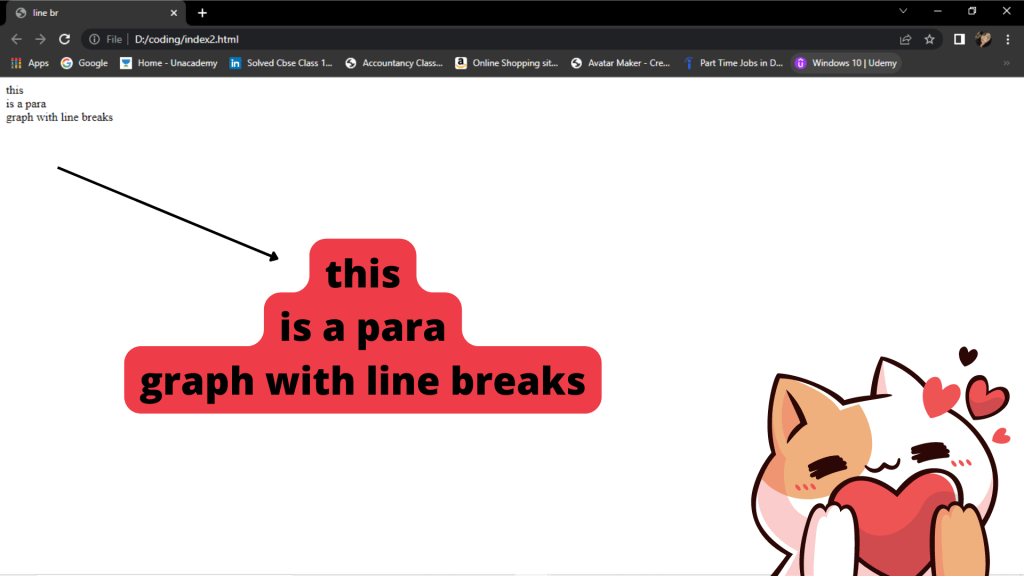
the <br> tag is used when you want to start a new line, but don’t want to start a new paragraph. the <br> tag forces a line break wherever you place it. it is similar to single spacing in a document.
| This code | Would display |
| <p>this<br>is a para<br>graph with line breaks</p> | this is a para graph with line breaks |
🪄
Horizontal rule
the <hr> element is used for horizontal rules that act as dividers between sections, like this;
the horizontal rule does not have a closing tag. it takes attributes such as align and width
| This code | Would display |
| <hr width=”50%” align=”center”> | …………………………… |
Comments in html
the comment tag is used to insert a comment in html source code.a comment can be placed anywhere in the document and the browser will ignore everything inside the brackets.you can use comments to write notes to yourself, or writea helpful message to someone looking at your source code.
| This code | Would display |
| <p>this html comment would<!—-this is comment— >be displayed like this</p> | this html comment would be displayed like this |
HTML background
the <body> tag has two attributes where you can specify background. the background can be a color or an image.
Bgcolor
the bgcolor attribute specifies a background color for an HTML page. the value of this attribute can be hexadecimal number, an RGB value, or a color name.
hexadecimal number:
- A hexadecimal color is specified with: #RRGGBB, where the RR (red), GG (green), and BB (blue) hexadecimal integers specify the components of the color.
- The most common way of coloring HTML text is by using hexadecimal color codes (Hex code for short). Simply add a style attribute to the text element you want to color – a paragraph in the example below – and use the color property with your Hex code.
| Name | value |
| hexadecimal color | #000000, #000, <body bgcolor=”#000000″> |
| RGB | rgb(0,0,0), <body bgcolor=”rgb(0,0,0)”> |
| color name | black, <body bgcolor=”black”> |
Background
the background attribute can also specify a background image for the HTML page.
| type | value |
| link | <body background=”https://images.app.goo.gl/CdeLw24E1kSu8LXS7″> |
| file name | <body background=”image.jpg”> |
 kukysinghcodes.code.blog